.webp)
zTranslate: Translate subtitle
(Premium Unlocked)Version: 2.5
By: ZSOFT.ASIA
Size: 110.00 MB
Release Date: 13 Dec 2025
Download APK How to Install APK FileBrand Name : ZSOFT.ASIA
Developer : zSoft.asia
App Size : 110.00 MB
Email Id : zsoft.asia@gmail.com
Version : 2.5
Privacy Policy : Click Here
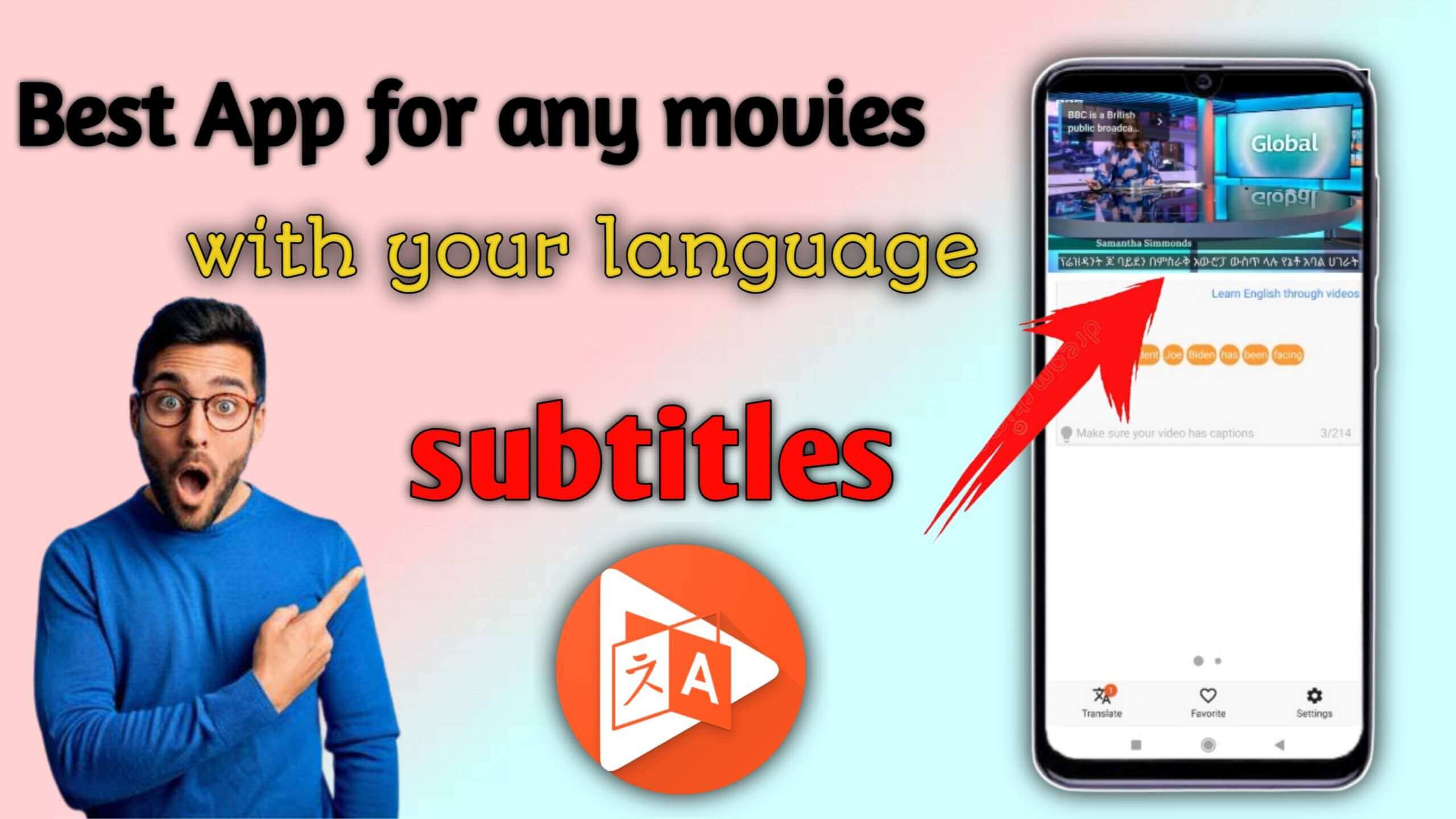
Want to watch a movie but can’t find subtitles in your language? Don’t worry—this app is the perfect solution. The app uses the video’s original subtitles and translates them into your preferred language, supporting more than 110 languages.
Frequently Asked Questions (FAQ)
Q1: What does this app do?
This app allows you to watch videos with subtitles translated into your preferred language. It uses the video’s original subtitles and translates them into over 110 supported languages.
Q2: Can I translate subtitles into any language?
Yes. As long as the video has original subtitles, you can translate them into any of the 110+ supported languages.
Q3: Why can’t I translate some videos?
Only videos that already have subtitles (closed captions) can be translated. Videos without subtitles cannot be processed by the app.
Q4: How do I find videos with subtitles?
You can search for videos using keywords. The app will only display videos that include closed captions.
Q5: Can I see both the original and translated subtitles at the same time?
Yes. The app supports simultaneous display of original and translated subtitles, which is especially helpful for language learning and comparison.
Q6: What is the dictionary feature?
You can tap on any word in the subtitles to instantly look it up in the built-in dictionary.
Q7: What is the shadowing technique?
Shadowing is a language-learning method where you repeat the audio right after hearing it. This technique helps improve pronunciation, rhythm, and overall fluency. The app guides you through the shadowing process step by step.
Q8: Does the app support fullscreen mode?
Yes, the app supports fullscreen video playback for a better viewing experience.
Q9: Can I save videos to watch later?
Yes. You can add videos to your favorites and watch them again anytime.
Q10: How do I use the app?
Simply open the app, search for a video with subtitles, select it, and choose the language you want for subtitle translation.
Q11: Do I need to log in to use the app?
Yes. Login is required to authenticate access to the database.
Q12: What user information does the app store?
The app only stores your login email for authentication purposes. No other personal information is collected or stored.
Popular Apps

.webp)
.webp)








New Apps

.webp)


.webp)

.webp)
.webp)
.webp)
.webp)
.webp)
.webp)
Latest Apps
.webp)
.webp)
.webp)
.webp)
.webp)
.webp)
.webp)
.webp)
.webp)
.webp)
.webp)
Total Reviews: 1
5 ★
4 ★
3 ★
2 ★
1 ★
Top Apps
-
.webp) Endel: Focus, Relax ⭐ 4.7
Endel: Focus, Relax ⭐ 4.7 -
.webp) Zen: Relax, Meditate ⭐ 3.7
Zen: Relax, Meditate ⭐ 3.7 -
.webp) Accupedo Pedometer ⭐ 4.4
Accupedo Pedometer ⭐ 4.4 -
.webp) Doodle Art: Magic Drawing App ⭐ 4.1
Doodle Art: Magic Drawing App ⭐ 4.1 -
.webp) Word Cloud ⭐ 4.1
Word Cloud ⭐ 4.1 -
.webp) PeakFinder ⭐ 4.3
PeakFinder ⭐ 4.3 -
.webp) Pass2U Wallet - Add store card ⭐ 4.0
Pass2U Wallet - Add store card ⭐ 4.0 -
.webp) Travel Tracker - GPS tracker ⭐ 3.8
Travel Tracker - GPS tracker ⭐ 3.8 -
.webp) OruxMaps GP ⭐ 4.0
OruxMaps GP ⭐ 4.0 -
.webp) PeakVisor - 3D Maps & Peaks Id ⭐ 3.9
PeakVisor - 3D Maps & Peaks Id ⭐ 3.9 -
.webp) Planes Live - Flight Tracker ⭐ 4.3
Planes Live - Flight Tracker ⭐ 4.3