Sketch Me! - Sketch & Cartoon
(Full Version)Version: 1.91.11
By: XNVIEW
Size: 11.00 MB
Release Date: 11 Jan 2026
Download APK How to Install APK FileBrand Name : XNVIEW
App Size : 11.00 MB
Email Id : contact@xnview.com
Version : 1.91.11
Privacy Policy : Click Here
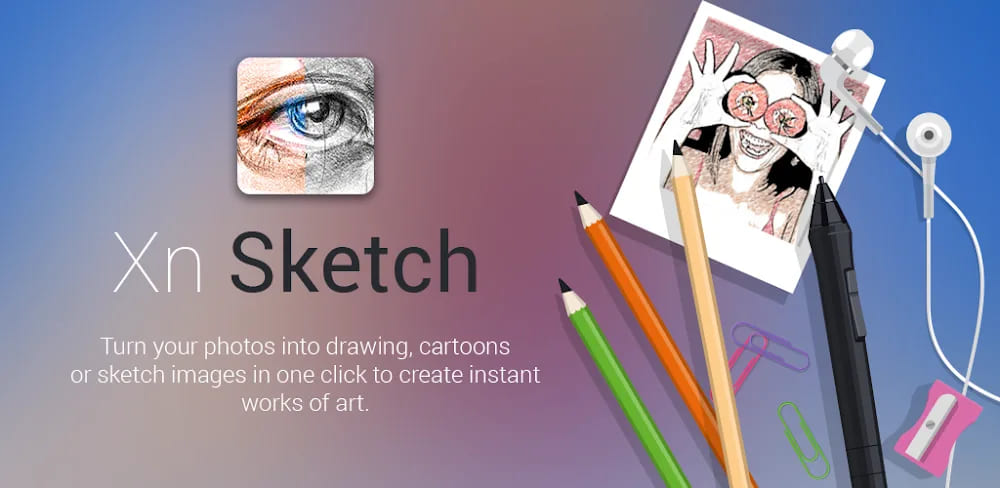
Turn your photos into stunning drawings, cartoons, and sketch-style artworks in just one tap. With XnSketch, creating artistic images is fast, fun, and effortless. Choose from a variety of beautiful effects and fine-tune every detail with intuitive controls. Save your creations or instantly share them with friends on Facebook, Twitter, Email, and more.
❓ Frequently Asked Questions (FAQ)
1. What is XnSketch?
XnSketch is a photo editing app that lets you turn your photos into drawings, cartoons, and sketch-style artworks with just one click.
2. How easy is it to use XnSketch?
Very easy. Simply choose an effect and apply it instantly. You can also fine-tune the result with simple adjustment controls.
3. What types of effects does XnSketch offer?
XnSketch includes a wide variety of artistic effects such as pencil sketch, color sketch, cartoon, pastel, stamp, halftone, hatching, black strokes, white strokes, and more.
4. Can I adjust the effects after applying them?
Yes. You can control edge strength and opacity, as well as adjust brightness, contrast, and saturation to customize your artwork.
5. Can I save my edited images?
Yes. You can save your creations directly to your device.
6. Can I share my artwork with others?
Absolutely. XnSketch allows you to share your images easily via Facebook, Twitter, Email, and other supported apps.
7. Is XnSketch suitable for beginners?
Yes. XnSketch is designed for everyone—from beginners to creative enthusiasts—thanks to its simple, intuitive interface.
8. What do users think about XnSketch?
Users love XnSketch for its beautiful effects, ease of use, and high-quality results, as reflected in positive user reviews.
9. How can I give feedback or report an issue?
You can help improve XnSketch by sending bug reports or feature requests to contact@xnview.com.
10. How can I support XnSketch?
If you enjoy using XnSketch, please consider leaving a 5-star review. Your feedback greatly supports our work!
Popular Apps

.webp)
.webp)








New Apps

.webp)


.webp)

.webp)
.webp)
.webp)
.webp)
.webp)
.webp)
Latest Apps
.webp)
.webp)
.webp)
.webp)
.webp)
.webp)
.webp)
.webp)
.webp)
.webp)
.webp)
Total Reviews: 1
5 ★
4 ★
3 ★
2 ★
1 ★
Top Apps
-
.webp) Endel: Focus, Relax ⭐ 4.7
Endel: Focus, Relax ⭐ 4.7 -
.webp) Zen: Relax, Meditate ⭐ 3.7
Zen: Relax, Meditate ⭐ 3.7 -
.webp) Accupedo Pedometer ⭐ 4.4
Accupedo Pedometer ⭐ 4.4 -
.webp) Doodle Art: Magic Drawing App ⭐ 4.1
Doodle Art: Magic Drawing App ⭐ 4.1 -
.webp) Word Cloud ⭐ 4.1
Word Cloud ⭐ 4.1 -
.webp) PeakFinder ⭐ 4.3
PeakFinder ⭐ 4.3 -
.webp) Pass2U Wallet - Add store card ⭐ 4.0
Pass2U Wallet - Add store card ⭐ 4.0 -
.webp) Travel Tracker - GPS tracker ⭐ 3.8
Travel Tracker - GPS tracker ⭐ 3.8 -
.webp) OruxMaps GP ⭐ 4.0
OruxMaps GP ⭐ 4.0 -
.webp) PeakVisor - 3D Maps & Peaks Id ⭐ 3.9
PeakVisor - 3D Maps & Peaks Id ⭐ 3.9 -
.webp) Planes Live - Flight Tracker ⭐ 4.3
Planes Live - Flight Tracker ⭐ 4.3