.webp)
Screenshot Pro - Auto trimming
(Paid)Version: 5.1.2
By: CLOUDEX INC.
Size: 7.00 MB
Release Date: 02 Feb 2026
Download APK How to Install APK FileBrand Name : CLOUDEX INC.
App Size : 7.00 MB
Email Id : ifeeqp2002@gmail.com
Version : 5.1.2
Privacy Policy : Click Here
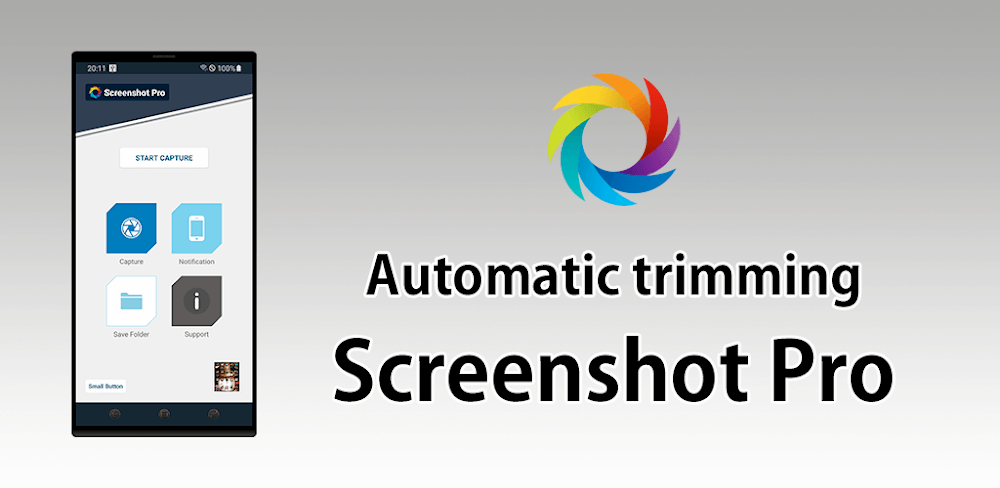
High-speed screenshot capture, optimized for rapid and continuous shots—perfect for users who take screenshots frequently. The app automatically removes the status bar and navigation bar, giving you clean, professional-looking screenshots every time.
Frequently Asked Questions (FAQ)
1. What does this app do?
This app allows you to capture high-speed screenshots, optimized for consecutive shots, while automatically removing the status bar and navigation bar for clean, professional results.
2. Can I take screenshots quickly and repeatedly?
Yes. The app is designed for fast and continuous screenshot capture, making it ideal for users who take screenshots frequently.
3. Does the app automatically crop the status bar and navigation bar?
Yes. The app can automatically remove both the status bar and navigation bar from screenshots. These options can be enabled or disabled in settings.
4. What is the floating shutter button?
The floating shutter button is an on-screen overlay that lets you take screenshots quickly from anywhere without pressing physical buttons.
5. Can I turn off the capture animation?
Yes. You can enable or disable the screenshot capture animation in the app settings.
6. Will I see a preview after taking a screenshot?
Yes. A small preview of the screenshot appears on the screen immediately after capture.
7. What is the “small button” feature?
The small button is an unobtrusive, always-visible button that allows instant access to the screenshot shutter. It’s especially useful for users who take screenshots often.
8. Can I create a shortcut for taking screenshots?
Yes. You can create a home screen shortcut to access the shutter button with a single tap.
9. Where are screenshots saved?
You can choose and modify the folder where screenshots are stored on your device.
10. Does the app support cloud uploads?
Yes. The app can automatically upload new screenshots to your connected cloud storage.
11. How can I access my latest screenshot?
You can quickly open your most recent screenshot directly from the app or the notification bar.
12. Does this app require special permissions?
Yes. Certain permissions are required to capture screenshots, display overlay buttons, save files, and upload screenshots to the cloud. These permissions are used only to provide the app’s features.
Popular Apps

.webp)
.webp)








New Apps

.webp)


.webp)

.webp)
.webp)
.webp)
.webp)
.webp)
.webp)
Latest Apps
.webp)
.webp)
.webp)
.webp)
.webp)
.webp)
.webp)
.webp)
.webp)
.webp)
.webp)
Total Reviews: 1
5 ★
4 ★
3 ★
2 ★
1 ★
Top Apps
-
.webp) Endel: Focus, Relax ⭐ 4.7
Endel: Focus, Relax ⭐ 4.7 -
.webp) Zen: Relax, Meditate ⭐ 3.7
Zen: Relax, Meditate ⭐ 3.7 -
.webp) Accupedo Pedometer ⭐ 4.4
Accupedo Pedometer ⭐ 4.4 -
.webp) Doodle Art: Magic Drawing App ⭐ 4.1
Doodle Art: Magic Drawing App ⭐ 4.1 -
.webp) Word Cloud ⭐ 4.1
Word Cloud ⭐ 4.1 -
.webp) PeakFinder ⭐ 4.3
PeakFinder ⭐ 4.3 -
.webp) Pass2U Wallet - Add store card ⭐ 4.0
Pass2U Wallet - Add store card ⭐ 4.0 -
.webp) Travel Tracker - GPS tracker ⭐ 3.8
Travel Tracker - GPS tracker ⭐ 3.8 -
.webp) OruxMaps GP ⭐ 4.0
OruxMaps GP ⭐ 4.0 -
.webp) PeakVisor - 3D Maps & Peaks Id ⭐ 3.9
PeakVisor - 3D Maps & Peaks Id ⭐ 3.9 -
.webp) Planes Live - Flight Tracker ⭐ 4.3
Planes Live - Flight Tracker ⭐ 4.3