Menu Button
(Premium Unlocked)Version: 7.3
By: JETPOF APPS
Size: 11.00 MB
Release Date: 13 Dec 2025
Download APK How to Install APK FileBrand Name : JETPOF APPS
Developer : Jetpof Apps
App Size : 11.00 MB
Email Id : publicjt@yahoo.co.jp
Version : 7.3
Privacy Policy : Click Here
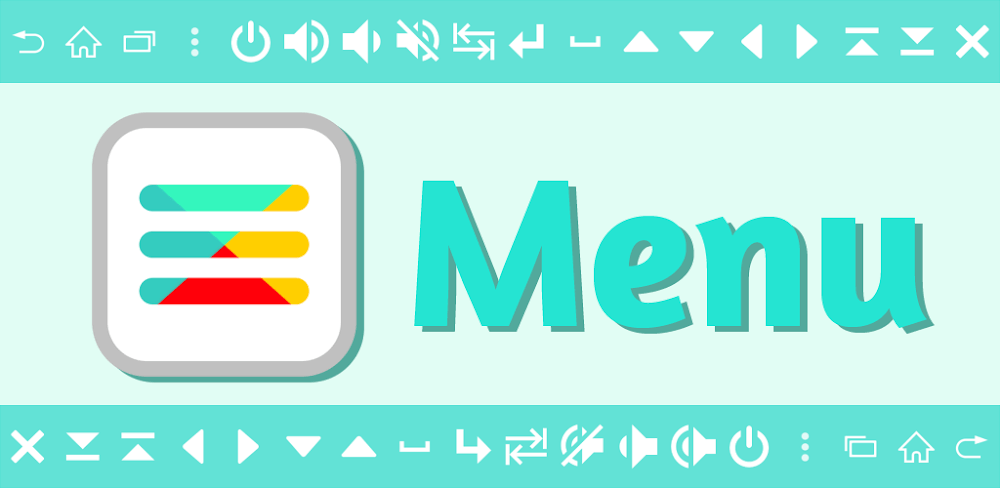
Restore missing menu buttons on your Android device—no root required. This app helps you regain access to essential functions when on-screen menus are no longer available or when physical buttons stop working. The on-screen Home, Back, and Recent Apps buttons are especially useful if your device’s hardware buttons are damaged or unresponsive.
Frequently Asked Questions (FAQ)
Q1: What is this app used for?
This app restores missing menu buttons on Android devices. It allows you to use essential buttons such as Home, Back, and Recent Apps when on-screen menus disappear or physical buttons stop working.
Q2: Does this app require root access?
No. This app works without root access.
Q3: Which buttons can I add?
You can add a wide variety of buttons, including:
Home, Back, Recent Apps, Power, Volume Up, Volume Down, Mute, Enter, Space, Arrow Keys, Tab, Page Up, and Page Down.
Q4: Can I customize the buttons?
Yes. Buttons are fully customizable, including size, transparency, color, icon, and screen position.
Q5: Can I change what happens when I tap or hold a button?
Yes. You can customize the behavior for both tap and long-press actions.
Q6: Can I add multiple buttons?
Yes. Buttons can be added freely based on your needs.
Q7: Why does the app add a keyboard?
Due to technical limitations on Android, a virtual keyboard is required to send certain menu key inputs. The keyboard is only used to execute actions when a button is pressed.
Q8: Why does the app use the Accessibility Service?
The AccessibilityService API is used to:
• Display on-screen buttons for actions such as Home, Back, and Power menu
• Apply user settings automatically when the active app changes
No data is collected or shared through this service.
Q9: Does the app collect or share personal data?
No. The app does not collect or share any user data.
Q10: Why does the app request the QUERY_ALL_PACKAGES permission?
This permission allows you to register favorite apps, use them as app launchers, and automatically activate the app’s features when those apps are launched.
Q11: Can I enable the app only for specific apps?
Yes. You can register specific apps so the buttons appear or activate automatically when those apps are in use.
Q12: Where can I find updates or support?
You can follow the developer on:
• Twitter: https://twitter.com/jetpof
• YouTube: https://www.youtube.com/channel/UCWn5bZ8h_ptMRsvqWi2UUrw
Popular Apps

.webp)
.webp)








New Apps

.webp)


.webp)

.webp)
.webp)
.webp)
.webp)
.webp)
.webp)
Latest Apps
.webp)
.webp)
.webp)
.webp)
.webp)
.webp)
.webp)
.webp)
.webp)
.webp)
.webp)
Total Reviews: 1
5 ★
4 ★
3 ★
2 ★
1 ★
Top Apps
-
.webp) Endel: Focus, Relax ⭐ 4.7
Endel: Focus, Relax ⭐ 4.7 -
.webp) Zen: Relax, Meditate ⭐ 3.7
Zen: Relax, Meditate ⭐ 3.7 -
.webp) Accupedo Pedometer ⭐ 4.4
Accupedo Pedometer ⭐ 4.4 -
.webp) Doodle Art: Magic Drawing App ⭐ 4.1
Doodle Art: Magic Drawing App ⭐ 4.1 -
.webp) Word Cloud ⭐ 4.1
Word Cloud ⭐ 4.1 -
.webp) PeakFinder ⭐ 4.3
PeakFinder ⭐ 4.3 -
.webp) Pass2U Wallet - Add store card ⭐ 4.0
Pass2U Wallet - Add store card ⭐ 4.0 -
.webp) Travel Tracker - GPS tracker ⭐ 3.8
Travel Tracker - GPS tracker ⭐ 3.8 -
.webp) OruxMaps GP ⭐ 4.0
OruxMaps GP ⭐ 4.0 -
.webp) PeakVisor - 3D Maps & Peaks Id ⭐ 3.9
PeakVisor - 3D Maps & Peaks Id ⭐ 3.9 -
.webp) Planes Live - Flight Tracker ⭐ 4.3
Planes Live - Flight Tracker ⭐ 4.3